Free Shipping Label Crop & Sort Tool for eCommerce Sellers
Instantly crop Meesho shipping labels, sort by courier or SKU, merge PDFs and calculate net profit per order. 100% free, no login required, works on any device.
Trusted by thousands of Indian eCommerce sellers for daily packing and dispatch operations. Process unlimited orders with our browser-based tools — your data never leaves your device.

Free Tools for Indian eCommerce Sellers
Everything you need to manage Meesho, Amazon and Flipkart orders: shipping label cropping, PDF merging, profit calculation and image optimization.

Invoice Label Crop Tool
Crop & sort Meesho shipping labels instantly
Upload your Meesho invoice PDF and automatically separate shipping labels from tax invoices. Sort by courier partner (Valmo, Delhivery, Shadowfax, XpressBees) or by product SKU. Download print-ready PDFs in Thermal 4×6 or A4 format. View complete order analytics including state-wise distribution, COD vs Prepaid breakdown, and multi-quantity order detection.
Open Invoice Tool →
PDF Merge Tool
Combine multiple PDFs into one document
Drag and drop multiple PDF files, reorder them by dragging, and merge into a single document instantly. Perfect for combining shipping labels from multiple days, consolidating invoices, or organizing any PDF documents. No file size limits, no page limits, completely free.
Open PDF Merge →
Profit Calculator
Calculate your net profit per order after all costs
Enter your selling price, product cost, GST rate, packing charges, return rate, damage rate and advertising spend. See your exact net profit per order, margin percentage, cost breakdown visualization and monthly revenue projections based on daily order volume.
Open Profit Calculator →
Low Shipping Image Generator
Optimize product images for lower Meesho shipping charges
Generate optimized product images that help reduce Meesho shipping charges on your listings. Upload your product photo and get multiple compressed variants at different quality tiers, each optimized for specific shipping rate brackets. Properly sized images load faster, improve your listing quality score, and can result in lower shipping cost estimates for your products.
Open Low Shipping Tool →Features of TheLabelCutter
Everything you need to manage your Meesho orders — in one free tool.
Instant Label Cropping
Upload your Meesho invoice PDF and our tool automatically detects the shipping label boundary on every page. It separates the shipping label from the tax invoice in one click — no manual cutting, no guesswork. Works with all Meesho invoice formats.
Courier-Wise Sorting
All your shipping labels are automatically identified and grouped by courier partner — Valmo, Delhivery, Shadowfax, XpressBees, Ecom Express, Ekart and more. Download a single sorted PDF organized by delivery partner for faster packing and handover.
SKU & Product Sorting
Sort all orders by product SKU so you can pack the same items together. See a complete breakdown of how many units of each product you need to prepare, along with revenue per SKU and order details grouped by product.
Thermal & A4 Print Formats
Choose between Thermal 4×6 inch format for dedicated label printers or A4 format with 4 labels per page for regular printers. Preview every label before downloading to make sure everything looks perfect.
PDF Merge Tool
Combine multiple PDF files into a single document with our drag-and-drop PDF merger. Reorder files by dragging them into your preferred sequence, then merge and download instantly. Useful for combining labels from multiple orders or days.
Profit Calculator
Calculate your exact net profit per order after accounting for product cost, GST, packing charges, shipping fees, return costs, ad spend and marketplace commissions. See monthly profit projections based on your daily order volume.
State & City Analytics
Get a complete geographic breakdown of your orders. See which states and cities generate the most sales, compare COD versus prepaid ratios by region, and identify your strongest markets — all from a single PDF upload.
Order Summary Dashboard
View a comprehensive dashboard showing total orders, COD count, prepaid count, multi-quantity orders, total revenue, courier distribution and SKU breakdown — all calculated automatically from your uploaded invoice PDF.
100% Private & Secure
Your PDF files are processed entirely in your browser. Nothing is uploaded to any server. Your invoice data, customer addresses and order details never leave your device. We take seller privacy seriously.
Trusted by Sellers Across India
TheLabelCutter processes thousands of shipping labels every day for eCommerce sellers on Meesho, Amazon, Flipkart and other marketplaces.
How to Use TheLabelCutter
Simple steps — upload, process and download in seconds.
Upload Your PDF
Open TheLabelCutter and upload your daily Meesho invoice PDF file. You can drag and drop the file or click the upload button to browse. The tool accepts any standard Meesho-generated invoice PDF.
Automatic Processing
Our tool instantly reads every page, detects shipping labels, identifies courier partners, extracts SKU information, recognizes payment types and calculates order totals. Processing happens entirely in your browser.
Review Dashboard
Explore your complete order summary — total orders, courier breakdown, SKU analysis, state-wise and city-wise distribution, multi-quantity flags and revenue calculations.
Choose Format
Select Thermal 4×6 inch format for label printers or A4 format for standard printers. Toggle invoice inclusion on or off. Preview every label page before downloading.
Download & Print
Download your sorted, cropped PDF file — organized by courier partner or by SKU. Print directly or save for later. Multi-quantity orders are automatically separated into their own PDF.
Built to solve the morning dispatch bottleneck for Indian sellers
Every morning, marketplace sellers across India download PDF invoice batches from supplier panels. Each page combines a shipping label on the upper half with a detailed tax invoice on the lower half. Manually cropping each label with generic desktop software takes 45 to 60 minutes for a modest batch of 80 parcels. This manual process slows down packing tables, increases barcode printing errors, and creates handover delays when multiple logistics drivers arrive simultaneously.
TheLabelCutter eliminates this daily friction by providing specialized, client-side PDF processing. Our algorithms identify page dimensions, detect courier barcodes, separate shipping labels from tax invoices, and group orders by courier partner or product SKU in a single click. Packages destined for Valmo, Delhivery, Shadowfax, XpressBees, or Ekart are automatically organized so your team packs and hands over parcels with zero confusion.
100% Client-Side Privacy
Your customer phone numbers, delivery addresses, and invoice amounts are never transmitted to external cloud servers. All rendering and cropping executes inside your browser sandbox.
Direct 4x6 Thermal & A4 Formats
Generate crisp 203 DPI and 300 DPI vector PDFs formatted for thermal roll printers like TSC, Xprinter, and TVS, or 4-in-1 layouts for standard laser printers.
Multi-Quantity Order Sorting
Separate single-unit orders from multi-quantity shipments instantly. This prevents packing errors where customers receive one item instead of two.
Whether you are dispatching your first ten orders or scaling past five hundred shipments per day, our tool suite remains completely free, without user registration or usage limits.
Why Indian eCommerce Sellers Choose TheLabelCutter
Everything you need to manage shipping labels, analyze orders and maximize profits — in one free tool.
Completely Free Forever
No registration, no login, no trial period, no hidden charges. Every feature is available at zero cost with no usage limits.
100% Browser-Based Privacy
All PDF processing happens locally in your browser. Your files, customer data and order details are never uploaded to any server.
Works on Every Device
Fully responsive design works on smartphones, tablets, laptops and desktops. No app installation needed.
All Major Couriers Supported
Automatic detection for Valmo, Delhivery, Shadowfax, XpressBees, Ecom Express, Ekart and other courier partners.
Thermal & A4 Print Support
Choose 4×6 thermal format for label printers or A4 format with 4 labels per page for standard printers.
Detailed Order Analytics
State-wise and city-wise distribution, courier breakdown, SKU analysis, COD vs Prepaid ratios and revenue calculations.
Common Questions
Built for every Indian eCommerce seller on Meesho, Amazon or Flipkart.
Which Printers Are Supported?
TheLabelCutter works with all printer types. Use Thermal 4×6 mode for dedicated label printers (like TSC, Zebra, or any thermal printer). Use A4 mode for standard inkjet or laser printers — four labels are arranged on each A4 page for easy cutting.
Does It Work on Mobile?
Yes. TheLabelCutter is fully responsive and works on smartphones, tablets, laptops and desktop computers. The entire tool runs in your web browser — no app installation required. Just open the website, upload your PDF and start working.
Is My Data Safe?
Absolutely. All PDF processing happens locally in your web browser using JavaScript. Your files are never uploaded to any server. Your customer addresses, order details and financial information remain completely private on your device.
Is There Any Cost?
TheLabelCutter is completely free to use. There is no registration, no login, no trial period and no hidden charges. All features — label cropping, sorting, merging, profit calculation and analytics — are available at no cost.
What PDF Formats Are Supported?
TheLabelCutter is optimized for Meesho invoice PDFs but also works with shipping label PDFs from Amazon Seller Central, Flipkart Seller Hub, and other Indian eCommerce marketplaces. Any standard PDF with shipping labels can be processed.
Can I Process Multiple PDFs?
Yes. You can process one PDF at a time with the Invoice Tool, or use the PDF Merge feature to combine multiple PDF files into one before processing. There is no limit on the number of pages or orders in a single PDF.
Key Features of the Invoice Tool
- Automatic shipping label detection and cropping from Meesho invoice PDFs.
- Courier-wise sorting — group labels by Valmo, Delhivery, Shadowfax, XpressBees and more.
- SKU-wise sorting — organize labels by product for efficient packing.
- Thermal 4×6 and A4 print format support with live preview.
- State-wise and city-wise order analytics with expandable detail tables.
- Multi-quantity order detection and automatic separation into dedicated PDF.
- COD vs Prepaid breakdown with percentage analysis.
- Complete order filtering by payment type, courier, quantity and SKU.
- One-click sorted PDF download — ready to print immediately.
- Zero data upload — 100% browser-based processing for complete privacy.
Why Thousands of Sellers Choose TheLabelCutter
- Completely free — no registration, no login, no subscription required.
- Works on any device — desktop, laptop, tablet or smartphone.
- Supports all major courier partners used by Indian marketplaces.
- Built-in profit calculator with monthly revenue projections.
- PDF merge tool for combining multiple shipping documents.
- Fast processing — handles 100+ page PDFs in seconds.
- Clean, professional interface designed for daily commercial use.
- Regular updates with new features based on seller feedback.
- No software installation — runs entirely in your web browser.
- Dedicated support via email for any questions or issues.
Frequently Asked Questions
Find answers to common questions about TheLabelCutter and our free eCommerce seller tools.
Guides & Tips for eCommerce Sellers
Learn how to optimize your packing workflow, increase profits and grow your online business.
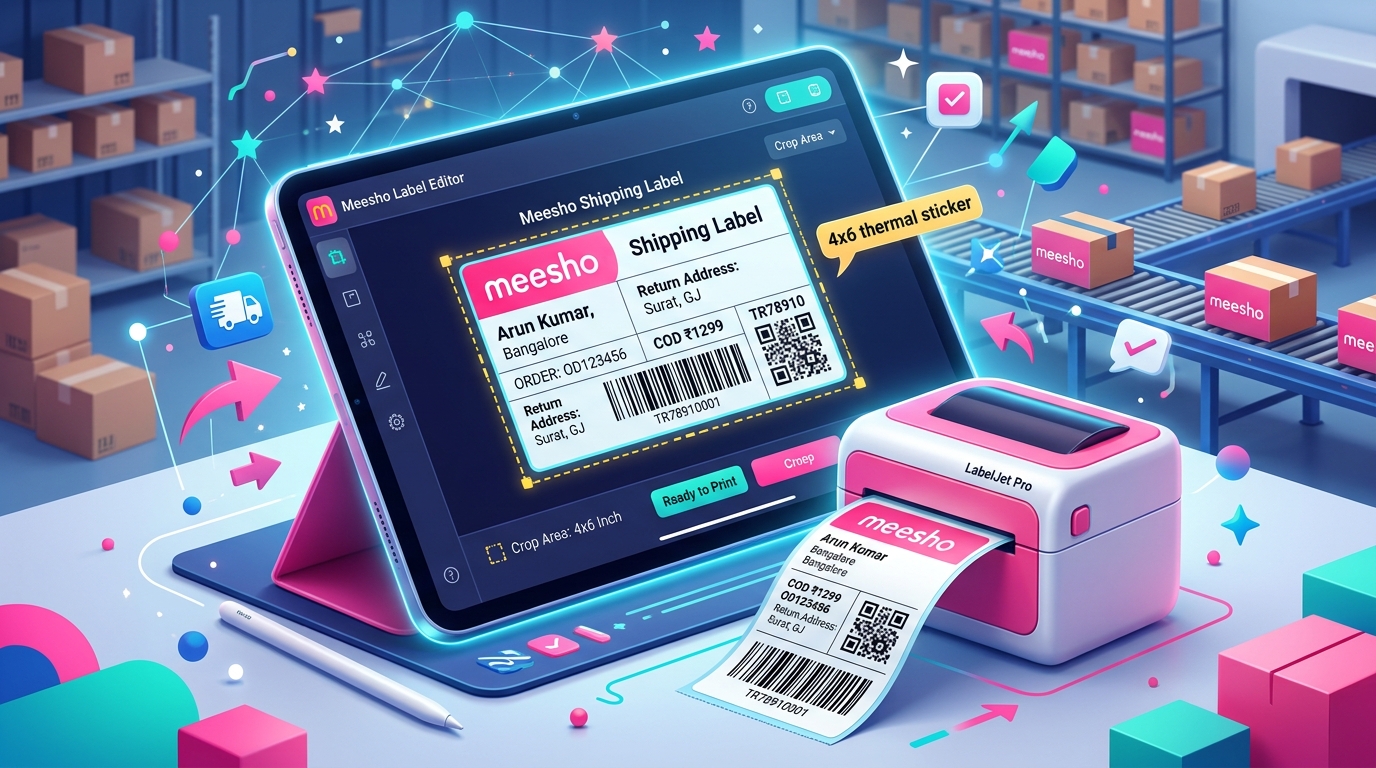
Free Meesho Label Crop Tool Online: Convert Label PDF to 4x6 Thermal Stickers Instantly
Use our free Meesho Label Crop tool to convert shipping label PDFs into 4x6 thermal stickers or 4-in-1 A4 sheets in seco...
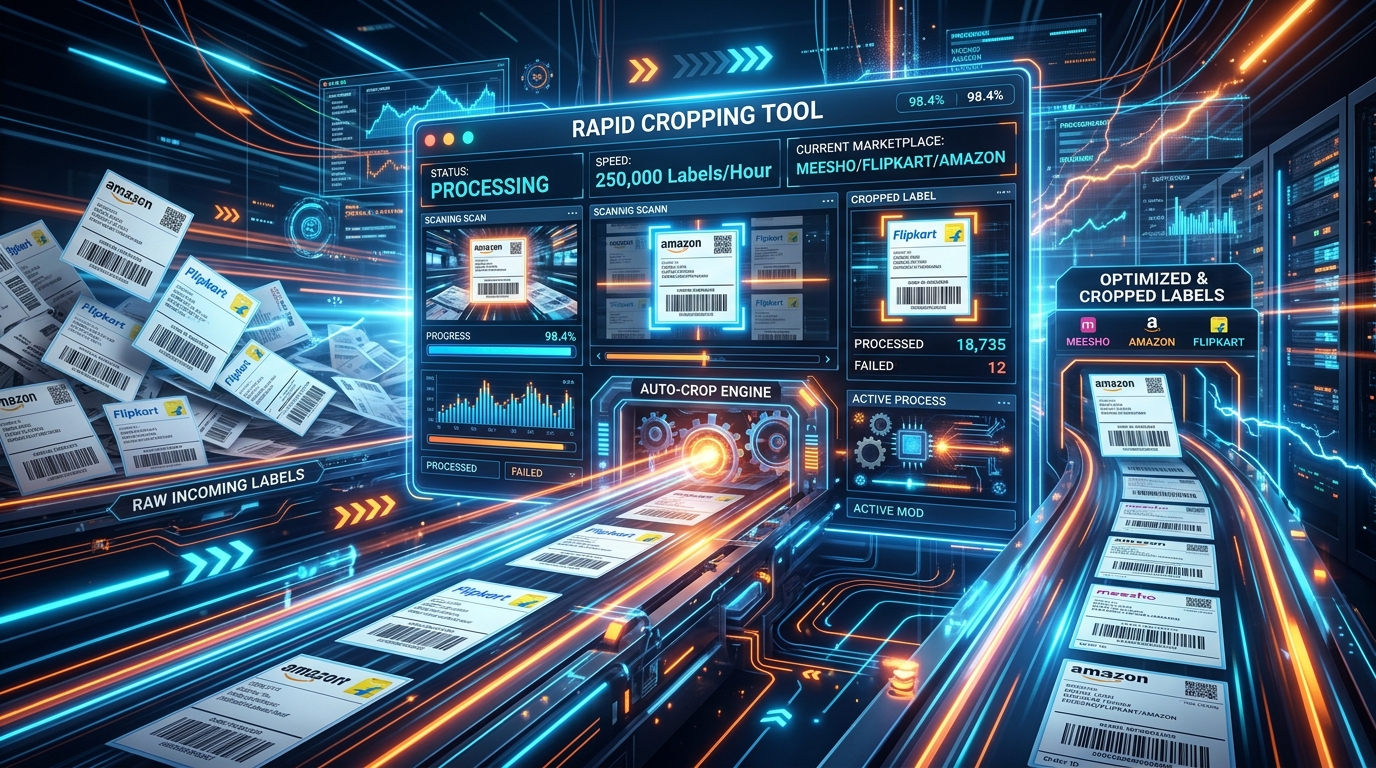
Quick Label Crop Online: How to Crop Meesho Shipping Labels Fast Without Server Uploads
Experience the fastest Quick Label Crop online tool. Crop shipping labels for Meesho, Flipkart, and Amazon in under 1 se...
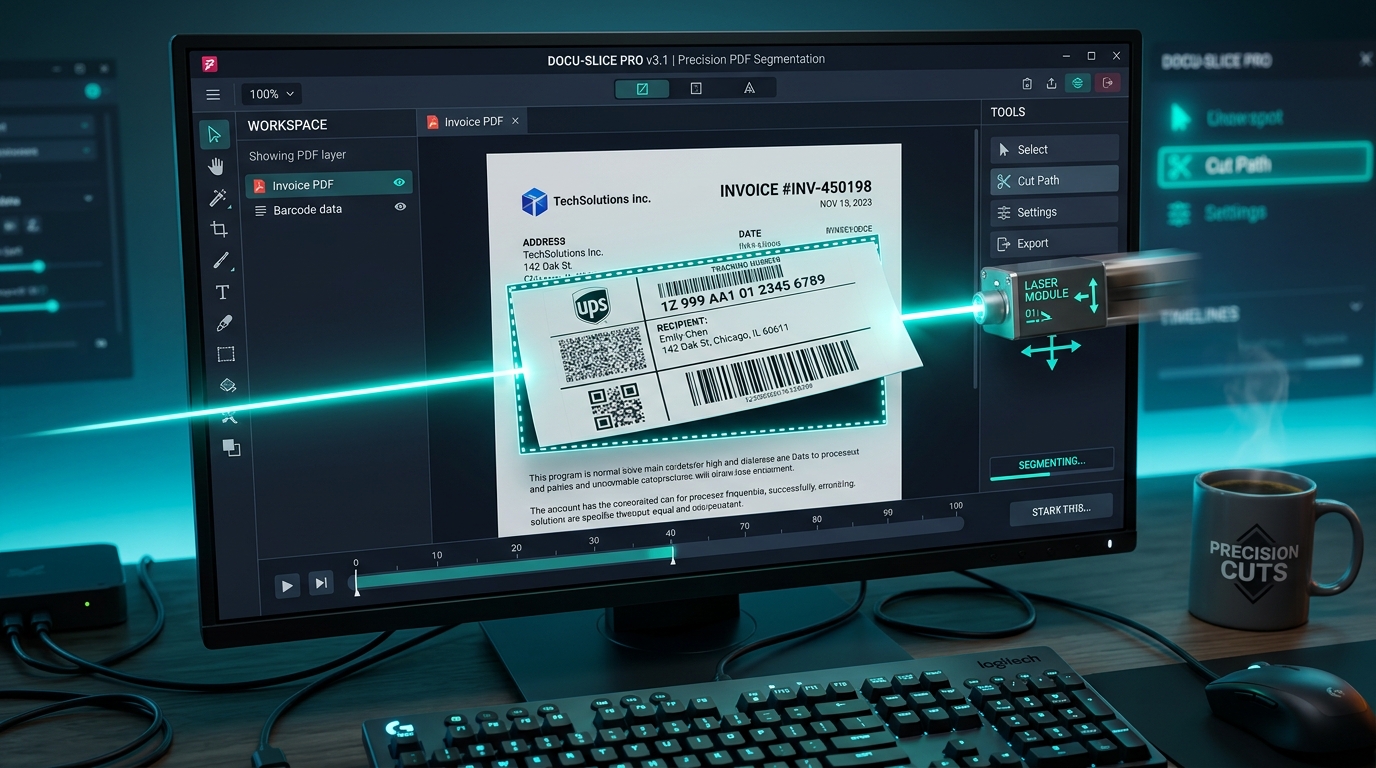
Meesho Label Cut Tool Online: How to Cut, Crop & Sort Shipping Labels Free
Separate and cut Meesho shipping labels from tax invoices digitally. Eliminate paper waste and scissor cutting with our ...
Ready to Simplify Your Daily Dispatch?
Join thousands of Indian eCommerce sellers who save time every day with TheLabelCutter. Upload your first PDF and see the difference in seconds.
Start Using TheLabelCutter — Free