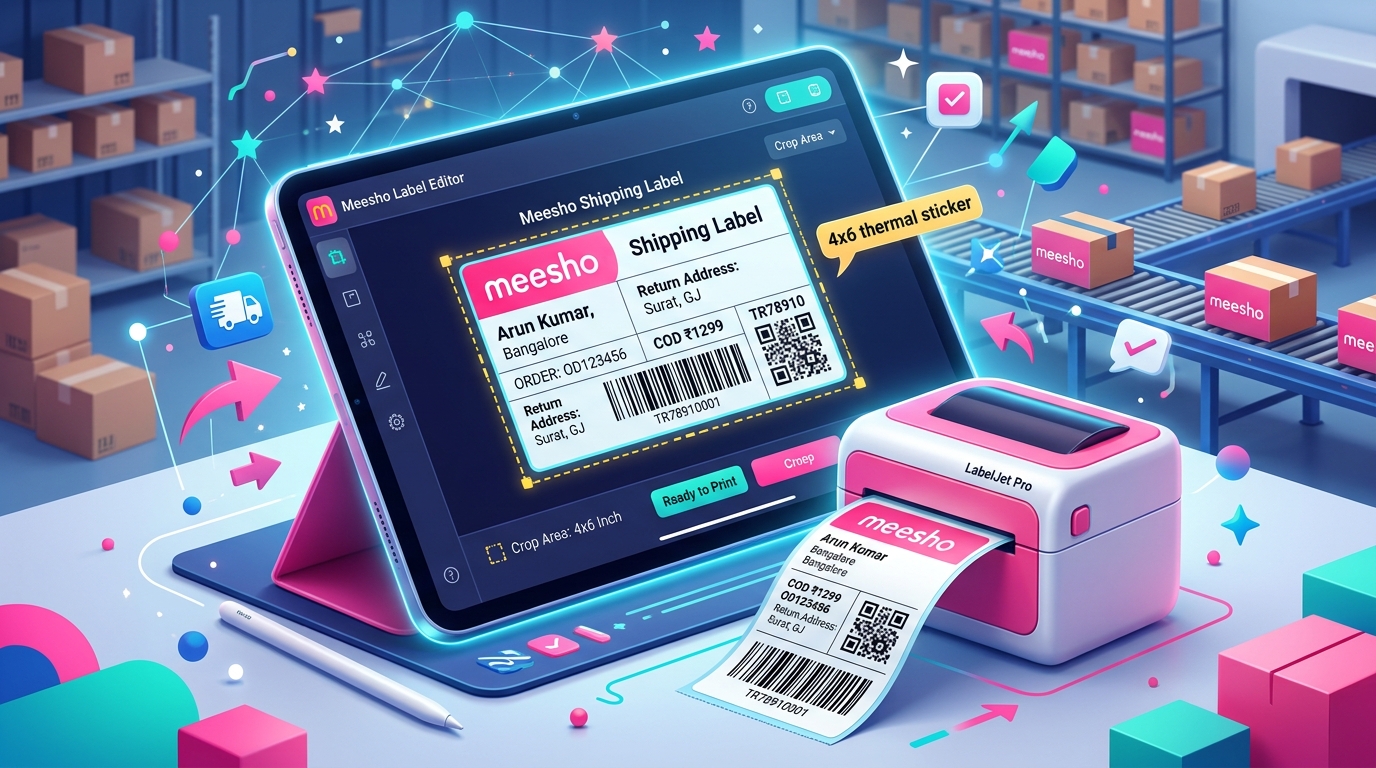
Selling on Meesho means processing orders fast. When you download your shipping labels from the Meesho supplier panel, the file comes as an A4 size PDF. This format includes the buyer details, return address, product SKU, and the shipping barcode. If you print this A4 file directly on a standard printer, you waste a lot of paper. For sellers doing more than 50 orders a day, cutting A4 sheets with scissors and taping them to polybags takes too much time. You need a thermal printer and a way to crop these labels to fit exactly on 4x6 inch thermal rolls.
What Meesho invoice PDFs look like and why labels need cropping
The default Meesho shipping label is designed for standard A4 paper. The top half contains the actual shipping label with the courier barcode, AWB number, and customer address. The bottom half contains the tax invoice details, HSN codes, and seller GST information. The courier pickup boy only needs to scan the barcode on the top half. The buyer also rarely looks at the physical invoice inside the package because their order details are in the Meesho app.
When you buy a thermal printer, the standard label roll size is 4x6 inches or 100x150 mm. If you try to send the A4 PDF to your thermal printer without cropping, the printer driver will shrink the entire A4 page to fit the small label. This makes the barcode so tiny that the Valmo or Shadowfax pickup scanner cannot read it. You will end up with unscannable packages and pickup delays. Cropping the PDF removes the invoice half and resizes the barcode half to fit perfectly on your thermal labels.
Step-by-step guide using TheLabelCutter tool
You do not need paid software or Adobe Acrobat to crop your labels. TheLabelCutter provides a free tool specifically built for Indian eCommerce sellers.
First, log in to your Meesho supplier panel and go to the Orders section. Select all your pending orders and click on download labels. Meesho will give you a single PDF file containing all your invoices. Save this file to your computer desktop.
Second, open thelabelcutter.com in your web browser. Drag and drop your downloaded Meesho PDF into the upload area on the screen. The tool processes files locally in your browser, so your customer data remains completely safe and is never uploaded to any external server.
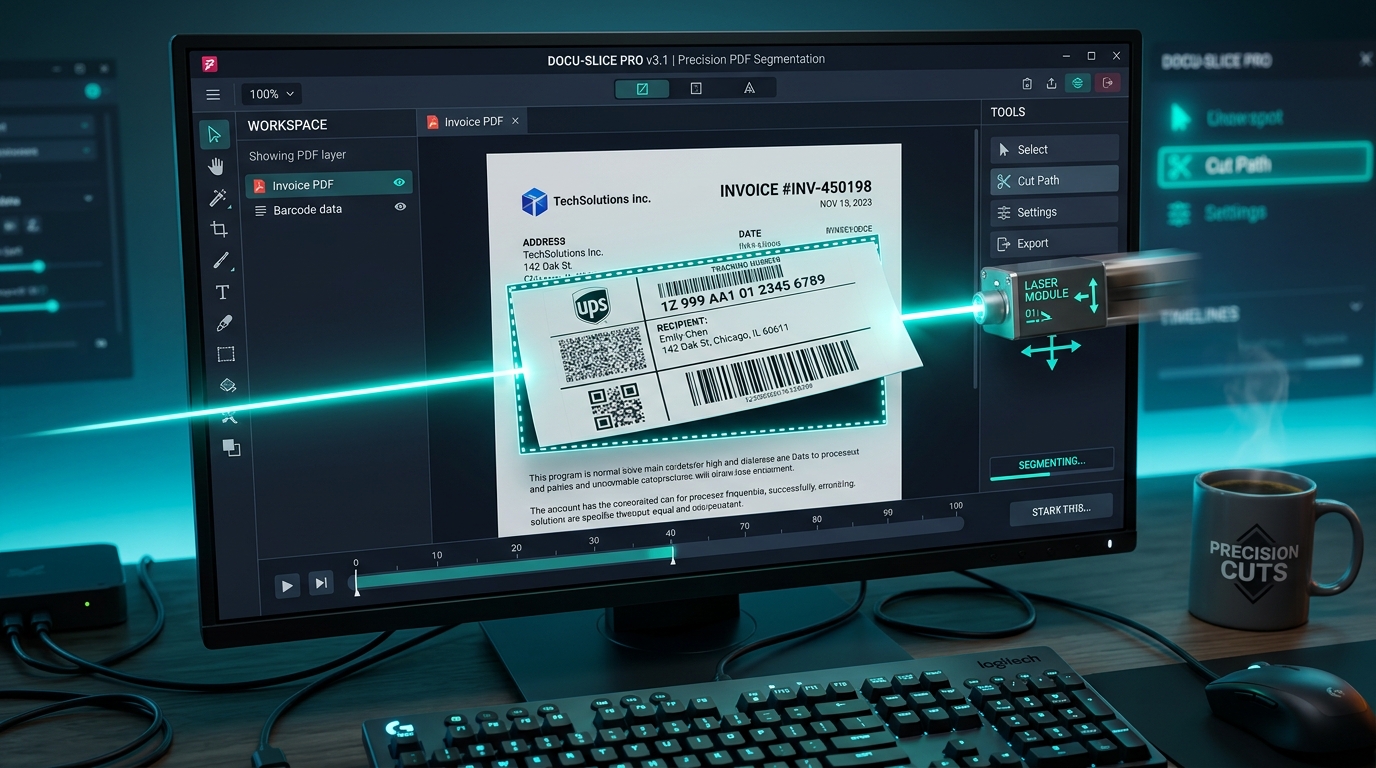
Third, select the output format. Choose the 4x6 thermal label option. The tool will automatically detect the boundaries of the shipping label on each page of your Meesho PDF and slice off the bottom invoice section.
Finally, click the download button. You will receive a new PDF file where every page is perfectly sized for a 100x150 mm thermal label. You can now send this file straight to your thermal printer without any manual adjustments.
Thermal 4x6 setup for TSC, Xprinter, Zebra, TVS printers
Getting the cropped PDF is only the first part. You also need to configure your printer driver in Windows. Most sellers use popular brands like TSC DA220, Xprinter XP-365B, Zebra ZD220, or TVS LP 46. The setup process is similar across all these models.
Go to your Windows settings and open Printers and Scanners. Find your thermal printer in the list and click on Printing Preferences. Look for the Page Setup or Stock tab. You must change the paper size from the default setting to 4x6 inches. Sometimes this is listed in millimeters as 100 mm width and 150 mm height. Make sure the margins are set to zero. If you leave the margins at the default 1 inch, your barcode will get cut off at the edges.
Under the Graphics or Print Quality tab, look for the darkness setting. Thermal printers do not use ink. They use heat to turn the special label paper black. Increase the darkness setting to a number between 8 and 12. This ensures the barcode lines print thick and black, making them easy for the Delhivery or XpressBees agent to scan.
Common mistakes causing bad prints
Many sellers face barcode scanning issues even after cropping. The most common mistake is printing with the wrong page size in the Chrome or Edge print dialog box. When you press Ctrl+P to print your cropped PDF, look at the paper size option in the print preview window. It must match the 4x6 inch setting. If it says A4 or Letter, the browser will add white borders and shrink your label.
Another mistake is using low quality thermal rolls. Cheap thermal paper has a thin chemical coating. Even if your printer darkness is set high, the print will look gray and faded. The courier scanner needs high contrast between the black barcode lines and the white background. Spend a few extra rupees per roll to get high contrast paper.
Dust on the print head is another frequent issue. The print head is a delicate ceramic strip inside the printer that generates heat. Small particles of paper dust build up on it over time. This causes thin white lines to run through your printed barcodes. When a white line breaks the barcode pattern, the scanner fails to read it. Clean your print head every week using a cotton swab dipped in isopropyl alcohol.
A4 4-in-1 printing as an alternative
If you are a new seller and do not have the budget for a thermal printer yet, you can still save paper using your regular inkjet or laser printer. TheLabelCutter tool has a specific format for A4 users. You can choose the 4-in-1 option during the cropping process.
The tool takes four separate Meesho shipping labels and arranges them onto a single A4 page. You can buy A4 sticker sheets that are pre-cut into four quadrants. When you print the output file on these sticker sheets, you get four ready-to-peel shipping labels per page. This cuts your paper and ink costs by 75 percent compared to printing one standard Meesho invoice per page. It is the best transition method before you upgrade to a dedicated thermal setup.
Barcode readability tips for fast scanning
Your dispatch operations slow down drastically if the courier pickup boy has to manually type AWB numbers because his scanner cannot read your barcodes. To guarantee 100 percent scan rates, always print from the actual PDF file rather than a screenshot. Screenshots lose resolution and make the barcode lines blurry.
Check the DPI settings on your printer. Most budget thermal printers are 203 DPI, which is perfectly fine for shipping labels. However, if you check a box in your print settings that says "print as image" or "scale to fit", the computer might distort the barcode. Always select "actual size" in the print dialog. Finally, make sure you apply the label perfectly flat on your courier bag. If the barcode wraps around the edge of the box or gets wrinkled on the plastic bag, the laser scanner will not catch the full pattern.
Frequently asked questions
Can I crop Meesho labels on my mobile phone?
Yes. TheLabelCutter works directly in your mobile browser. You can download the PDF from the Meesho app, upload it to the website on your phone, and generate the cropped 4x6 labels without needing a computer.
Will cropping the label remove the buyer address?
No. The cropping tool is designed to identify the exact layout of a Meesho label. It keeps the buyer address, barcode, AWB number, and return address intact. It only removes the tax invoice portion at the bottom of the page.
Do I need to install any software to use this tool?
There is no software to install. The tool runs completely in your web browser. You do not need Java, Adobe Acrobat, or any third party plugins. Just visit the website and upload your file.
Why is my cropped label printing blurry on my thermal printer?
Blurry prints are usually caused by a low darkness setting in your printer properties, or by printing the PDF through a web browser with scaling turned on. Open the PDF in a dedicated PDF reader, set the scale to actual size, and increase the printer darkness to 10 or higher.
Is this tool approved by Meesho?
This is an independent tool built to help sellers optimize their operations. The output labels contain the exact same data and barcodes as the original files, so they are fully compliant with Meesho shipping requirements and courier scanning systems.