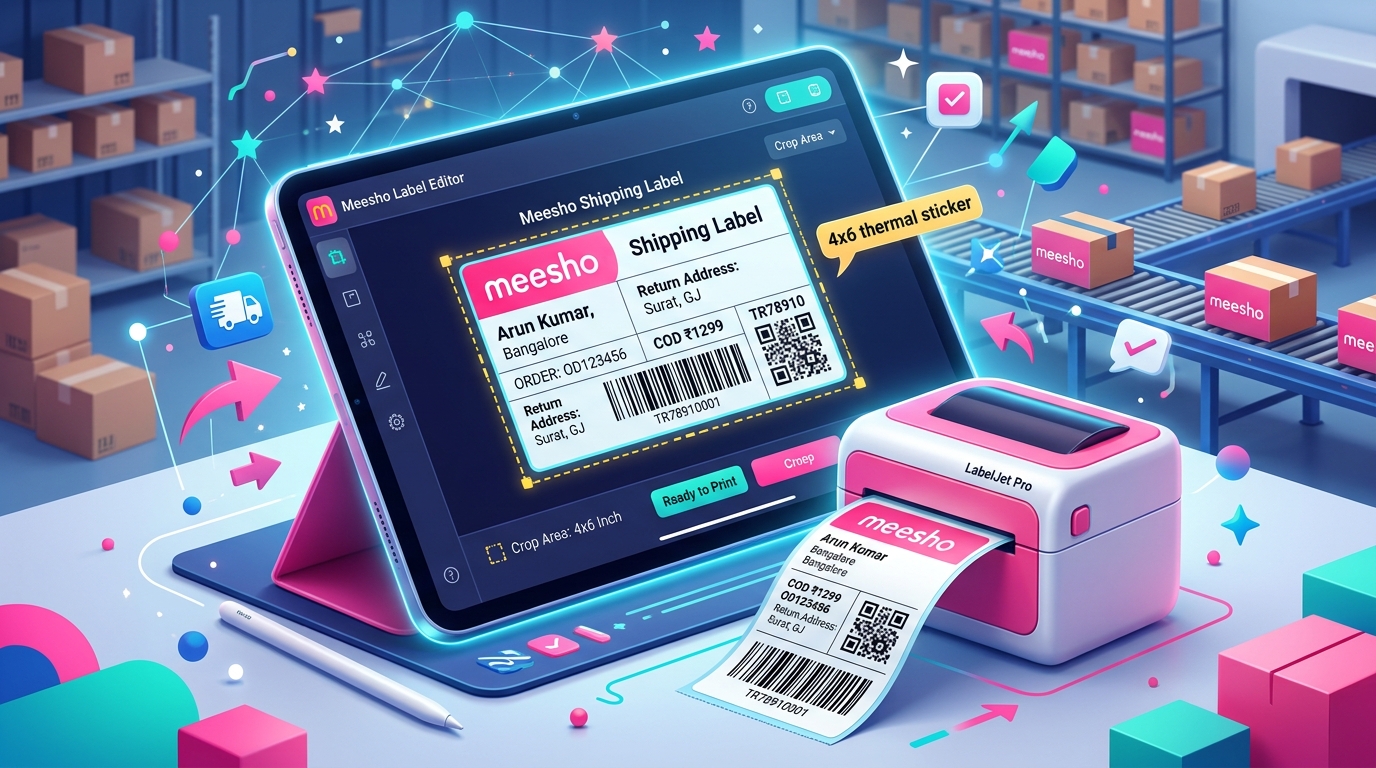
Every Meesho seller knows the routine: customer orders are confirmed, the dispatch deadline approaches, and you download a consolidated PDF from the supplier panel. That PDF document contains complete customer order records, but each page combines a shipping barcode label on top with a full tax invoice on the bottom. To fulfill orders efficiently on 4x6 thermal paper, you need a dependable Meesho label cut tool online that separates the shipping label from the invoice cleanly, accurately, and without costing you a subscription fee.
Understanding the Meesho shipping label and invoice layout
When you download shipping documents from the Meesho Supplier Panel, the platform generates standard A4 formatted pages (595 x 842 points). Each page is split into two distinct functional sections:
- Top section (Shipping label): Contains the courier routing code, delivery partner name (Valmo, Delhivery, Shadowfax, XpressBees, or Ekart), tracking AWB number with barcode, customer delivery address, destination pincode, product SKU code, and ordered quantity.
- Bottom section (Customer tax invoice): Contains the seller GSTIN, registered business address, invoice number, HSN codes, item tax rate (CGST, SGST, IGST), taxable value, and total invoice amount.
Marketplace guidelines require the shipping barcode label to be affixed to the outer package so courier agents can scan it at pickup and delivery. The tax invoice section, however, is meant for internal accounting records or folded inside the parcel. Printing the entire uncropped A4 page on expensive sticker paper wastes over 50% of the material on every shipment.
Key features of a professional Meesho label cut tool
A reliable label cropping utility must do far more than simple image slicing. TheLabelCutter provides an end-to-end dispatch management toolkit designed specifically for Indian eCommerce sellers:
1. Automated vector boundary detection
Rather than converting PDF pages into low-resolution raster images, our tool detects the exact vector boundary separating the label from the invoice. This ensures that text, lines, and barcodes remain sharp vector graphics at 203 DPI or 300 DPI, preventing scanning issues at logistics hubs.
2. Intelligent courier partner sorting
Logistics partners have different morning pickup schedules. For example, Valmo might arrive at 11:00 AM while Delhivery arrives at 1:00 PM. Our tool extracts the courier partner name from every page and sorts all shipping labels automatically. You can download separate PDF batches for each courier or a single organized file grouped by delivery partner.
3. SKU grouping and batch fulfillment
Packing orders one by one with mixed products leads to warehouse clutter and frequent packing mistakes. TheLabelCutter reads the SKU text printed on each Meesho label and groups identical products together. Your packing team can pick 50 units of SKU-A, pack them all consecutively with matching labels, and then move to SKU-B.
4. Multi-quantity order separation
One of the most common causes of negative seller reviews is shipping a single unit when the buyer ordered two or three items. Our tool analyzes the item quantity field on every label and allows you to download a dedicated "Multi-Quantity" PDF batch (Qty ≥ 2). Warehouse staff can pack these high-attention orders separately to prevent missed items.
Step-by-step guide: cutting and sorting Meesho labels
Follow this simple workflow to prepare your daily Meesho shipments in under two minutes:
- Download invoices: In your Meesho Supplier Panel, go to the Orders > Ready for Dispatch tab. Select all orders and download the consolidated invoice PDF file.
- Open TheLabelCutter: Visit TheLabelCutter Invoice Tool in your browser on desktop or mobile.
- Upload the PDF: Drag and drop your file into the tool. Parsing occurs instantly in your local browser memory.
- Select print mode: Choose Thermal 4x6 for direct roll printers or A4 4-in-1 for sheet sticker paper.
- Choose sorting mode: Click Sort by Courier or Sort by SKU based on your packing workflow.
- Download print files: Download the full sorted PDF, the single-quantity batch, or the multi-quantity batch with one click.
Managing tax invoices and GST compliance
A frequent question among Indian online sellers is whether the bottom tax invoice section must be printed for every order. Under Indian GST rules for eCommerce marketplaces:
- For standard B2C shipments: Meesho generates digital electronic invoices on behalf of sellers. The delivery agent only requires the outer shipping label with visible AWB barcode to deliver the parcel. Many sellers store invoice PDFs digitally on local drives or cloud backups to satisfy GST record-keeping requirements without printing physical paper invoices for every single package.
- For high-value or B2B orders: If a customer requests a business tax invoice with GSTIN input credit, printing the invoice and placing it inside the package is recommended.
TheLabelCutter allows you to choose either option: crop labels only (saving 50% paper) or separate both label and invoice into sequential pages for organized dual printing.
Printer hardware guide for Meesho sellers
To achieve the lowest cost per label and maximum dispatch speed, investing in a dedicated direct thermal printer is recommended once you exceed 25 to 30 orders per day. Here is how popular models compare:
| Printer Model | Resolution | Print Speed | Connectivity | Best For |
|---|---|---|---|---|
| TSC DA220 / DA120 | 203 DPI | Up to 6 ips | USB / Ethernet | High reliability, heavy daily volume |
| Xprinter XP-420B / XP-365B | 203 DPI | Up to 5 ips | USB / Bluetooth | Budget-friendly, new and growing sellers |
| TVS LP 46 Wifi | 203 DPI | Up to 6 ips | USB / Wi-Fi | Wireless mobile printing from smartphone |
| Zebra ZD220 | 203 DPI | Up to 4 ips | USB | Enterprise durability and build quality |
Frequently asked questions about Meesho label cutting
Does this tool change or alter the barcode data?
No. TheLabelCutter extracts the exact vector graphics from the original PDF without modifying barcode dimensions, lines, or tracking numbers. Courier scanners read the cropped label identically to the original document.
Is my business or customer data shared with third parties?
Never. TheLabelCutter processes all documents completely inside your browser client. No files, customer phone numbers, or delivery addresses are ever transmitted to or stored on external servers.
Can I sort labels by state or city to analyze RTO risk?
Yes. Our tool extracts destination states and cities, providing analytics on your daily order distribution and enabling targeted address filtering to reduce Return to Origin (RTO) rates.
What should I do if a Meesho invoice PDF fails to load?
Ensure that the file is not password-protected and was downloaded directly from the official Meesho supplier panel. If an unusual file layout fails to parse, email a sample to support@thelabelcutter.com and our development team will update the parser.
Can I use this tool on a Mac or Chromebook?
Yes. Because TheLabelCutter runs inside modern web browsers (Chrome, Edge, Safari, Firefox), it is fully compatible with Windows, macOS, Linux, ChromeOS, and mobile devices.