If you sell on Flipkart, managing your daily dispatch process effectively is critical for survival. The most persistent bottleneck for Indian eCommerce sellers is often printing shipping labels. Flipkart generates a default PDF that includes both the shipping label and the tax invoice stacked on a single A4 page. While this format works for a basic A4 printer setup, it becomes a major problem when you upgrade your warehouse to a high-speed 4x6 thermal printer. You cannot just click print on the standard Flipkart PDF. You must isolate and crop the label out first.
Understanding Flipkart label formats: Smart and Express
Flipkart operates different fulfillment models for its sellers, primarily Flipkart Smart and Flipkart Express. The physical layout of the shipping label changes slightly depending on the model you are using for that specific order.
For Flipkart Smart orders, the system automatically assigns the courier partner based on the customer destination and courier serviceability in that region. The printed label clearly displays the courier name, a large primary tracking barcode, and the buyer destination address. For Express orders, the layout is similar but frequently includes distinct routing codes and priority markers designed for faster final-mile delivery.
Regardless of whether the order is Smart or Express, the default Flipkart bulk download gives you a single PDF file where each page contains a shipping label at the top and a tax invoice at the bottom. This combined design assumes the seller is printing on standard A4 paper, folding the sheet in half, and inserting it into a transparent plastic pouch attached to the polybag.
Why Flipkart PDFs need cropping
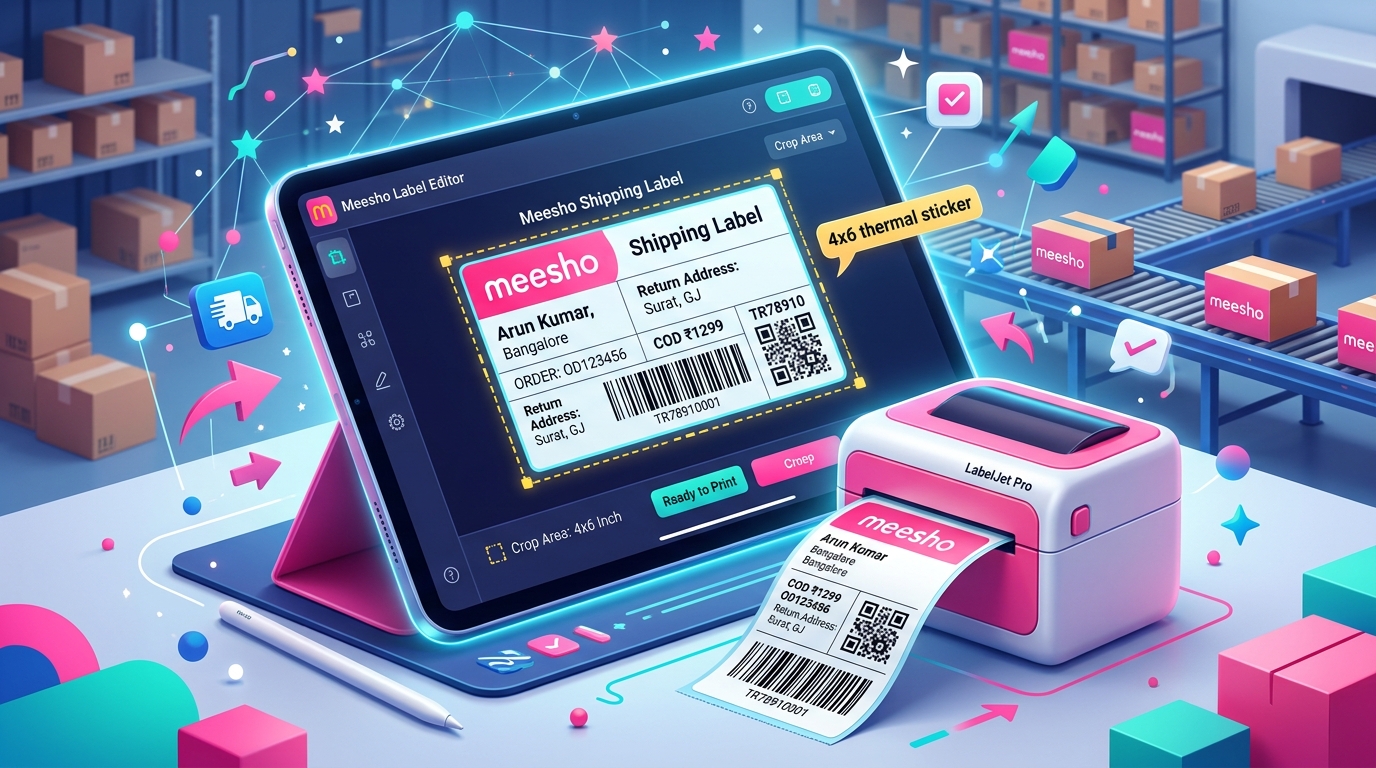
A standard thermal printer uses rolls of adhesive sticker paper, typically measuring 4 inches by 6 inches. This dimension is the global standard for shipping labels. It saves you significant money on ink cartridges and paper, and it dramatically cuts down packing time because the packer simply peels the sticker and places it directly onto the corrugated box.
The issue occurs when you attempt to send the unedited Flipkart PDF to a thermal printer. The printer driver will try to shrink the entire A4 page, which includes the long tax invoice, down to fit onto the small 4x6 sticker. The end result is a microscopic, unreadable barcode and text. The courier pickup executive will not be able to scan the manifest barcode, and your package will be rejected at the door.
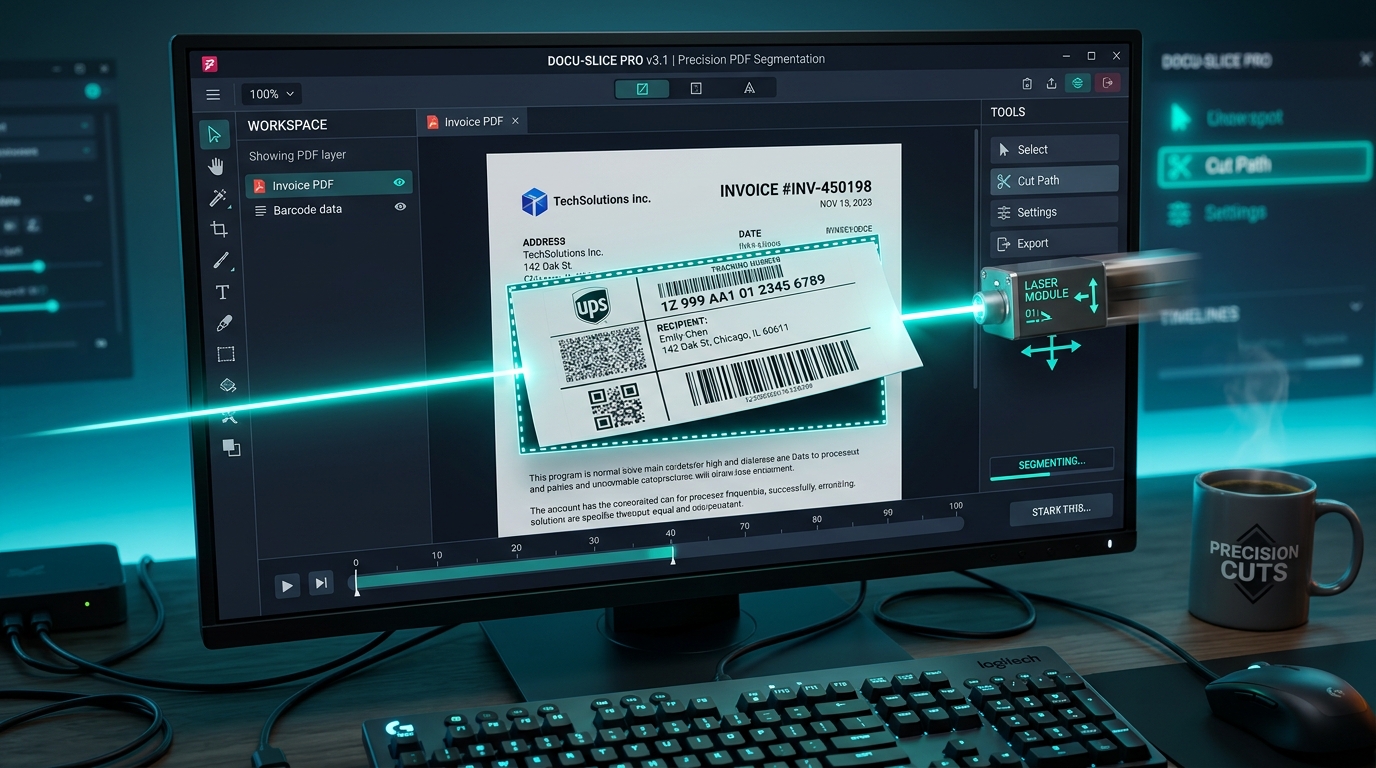
To avoid this failure, you have to extract only the top shipping label portion of the A4 page and resize it to fit the 4x6 dimensions flawlessly. You also need to discard the invoice portion entirely, unless you plan to print the invoices on a separate standard printer for specific compliance reasons.
Step-by-step guide using TheLabelCutter for Flipkart labels
Trying to manually crop each label with basic PDF editing software takes hours and is prone to errors. TheLabelCutter is built specifically for Indian eCommerce sellers to eliminate this exact problem.
First, log into your Flipkart seller dashboard and navigate to your active orders list. Select all the orders you are ready to process and download the bulk shipping labels. Flipkart will generate a single PDF file containing all the orders.
Next, open TheLabelCutter on your web browser. Upload the raw Flipkart PDF file you just downloaded. The tool will begin processing the file instantly in your browser without uploading any customer data to external servers.
Select the thermal printer output option, which is standard 4x6. The software engine will automatically identify the exact boundaries of the shipping label on every single page, slice away the tax invoice at the bottom, and generate a brand new PDF. This processed file contains only the shipping labels, scaled perfectly for your thermal printer.
Finally, open this new PDF and click print. Your thermal printer will output perfect, high-resolution, scannable labels one after another. A daily task that used to take an hour of manual editing now takes less than two minutes.
Flipkart courier partners: Ekart, Delhivery, Shadowfax
Flipkart partners with a wide network of logistics companies to handle deliveries across India. The most frequent courier names you will see printed on your labels are Ekart Logistics, Delhivery, and Shadowfax.
Ekart is Flipkart own internal logistics network. You will see the Ekart logo and their specific internal routing codes on a large percentage of your shipments. Delhivery and Shadowfax are major third-party logistics partners that Flipkart utilizes to expand delivery reach, particularly in remote tier 2 and tier 3 cities.
It is crucial that your printed labels are perfectly clear, no matter which courier partner is assigned to the shipment. The primary barcodes must be sharp so the pickup executive can scan the items quickly during handover. Cropping the label correctly with a dedicated tool ensures the barcode is printed at the absolute maximum possible size on your 4x6 sticker, virtually eliminating scanning failures.
Thermal 4x6 vs A4 printing for Flipkart
Most sellers start their eCommerce journey by printing labels on standard A4 paper using a basic inkjet or laser printer. This method works fine when you are handling 10 to 20 orders a day. But as your business scales up, A4 printing becomes a massive operational drag.
With A4 printing, you constantly have to buy reams of paper and expensive toner cartridges. You also have to purchase clear plastic pouches to attach the paper label to the package safely. Your packing staff has to manually fold every single sheet of paper. All of this adds up to high material costs and wasted labor hours.
Transitioning to a thermal printer solves these operational problems. Thermal printers do not use liquid ink or toner powder. They use direct heat to print on special chemically treated sticker paper. You just print, peel, and apply. The variable cost per label is incredibly low, and the processing speed is unmatched. A basic thermal printer can output 50 labels in less than a minute.
Common Flipkart dispatch timing rules
Flipkart enforces strict Service Level Agreements for seller dispatch operations. You are required to pack and hand over the physical orders to the assigned courier partner within a specified time frame. This is usually 24 to 48 hours depending on your specific seller tier and the category of the product.
If you fail to hand over the packages on time, Flipkart will penalize your seller account. These penalties hurt your product visibility, buy-box win rate, and ultimately your daily sales volume. Using a processing tool like TheLabelCutter helps you meet and exceed your Service Level Agreements by accelerating the packing phase.
Frequently asked questions
Can I print the Flipkart invoice on a thermal printer?
No, the tax invoice contains too much small text and tabular data. If you print the invoice on a 4x6 thermal label, the font will be microscopically small and impossible to read. If you need to include the physical invoice, print it separately on standard A4 paper.
Do I need to download special software to use TheLabelCutter?
No, TheLabelCutter is a completely web-based tool. You can access the platform directly from any modern web browser without installing any heavy applications on your local computer.
Will cropping the label affect the barcode scanning?
No, TheLabelCutter is specifically engineered to preserve the exact original resolution of the PDF. The primary barcodes remain razor sharp and scan perfectly on the first try.
How many Flipkart labels can I crop at once?
You can upload heavy bulk PDFs containing hundreds of individual order pages. The tool will process large files within a few seconds.
Is this label processing compliant with Flipkart policies?
Yes, as long as the shipping label itself remains unaltered, intact, and clearly visible on the package, you are fully compliant with Flipkart standard packaging guidelines.