Finding a reliable Meesho label crop tool free online changes how you manage daily dispatch operations. When you download shipping labels from the Meesho supplier panel, they come in a standard A4 PDF format. This format includes the shipping label, the tax invoice, and often large blank margins. If you print this directly on a 4x6 thermal printer, the barcode becomes too small for the courier scanner. If you print it on A4 paper, you waste expensive paper and ink. This is exactly where a dedicated cropping tool becomes necessary for your business.
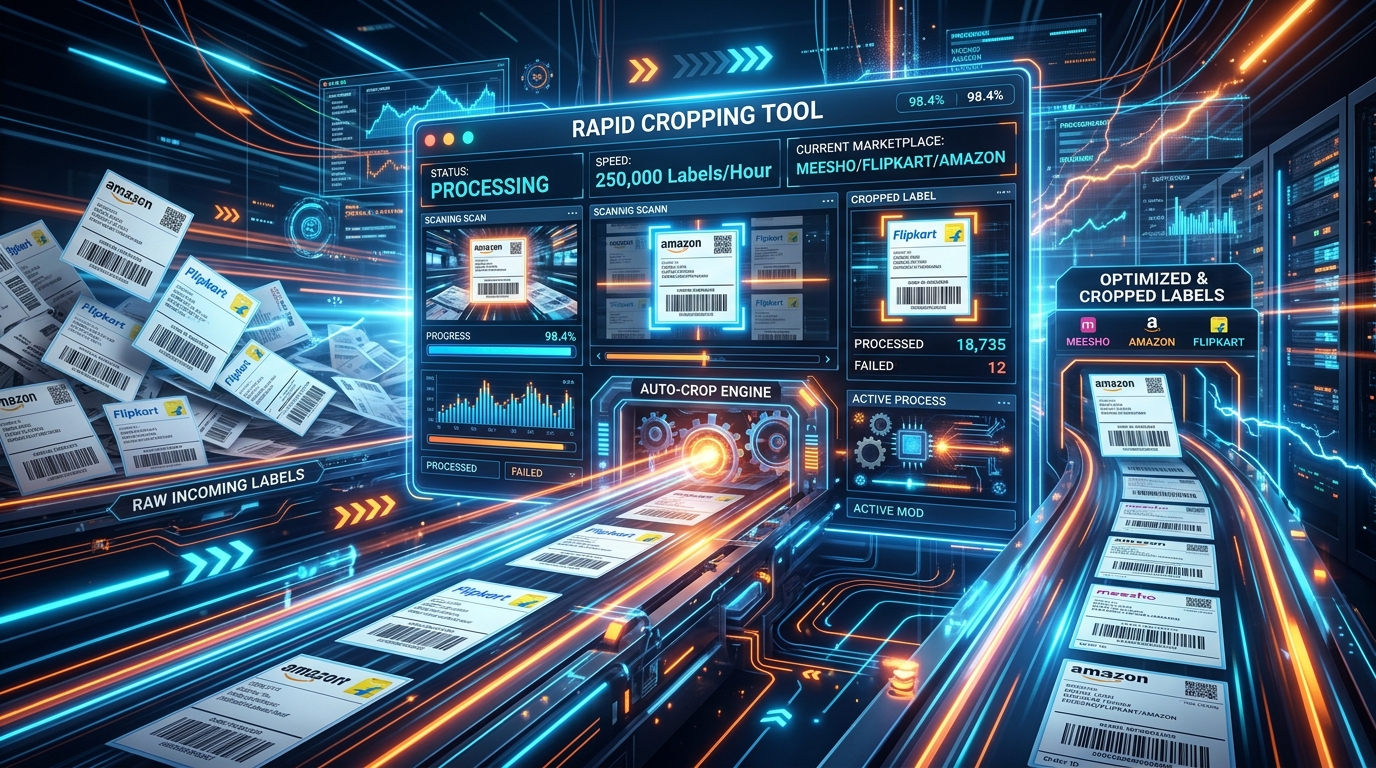
Indian sellers dispatching packages through Delhivery, Ecom Express, XpressBees, and Shadowfax know that clear barcodes mean faster pickups and fewer lost packages. A Meesho label crop tool free online extracts just the shipping label portion from the original PDF and resizes it perfectly for thermal printers. You do not need to manually select and crop each label using basic image editors. The entire process takes seconds, whether you have five orders or five hundred.
What a Meesho label crop tool is and why Indian sellers need it
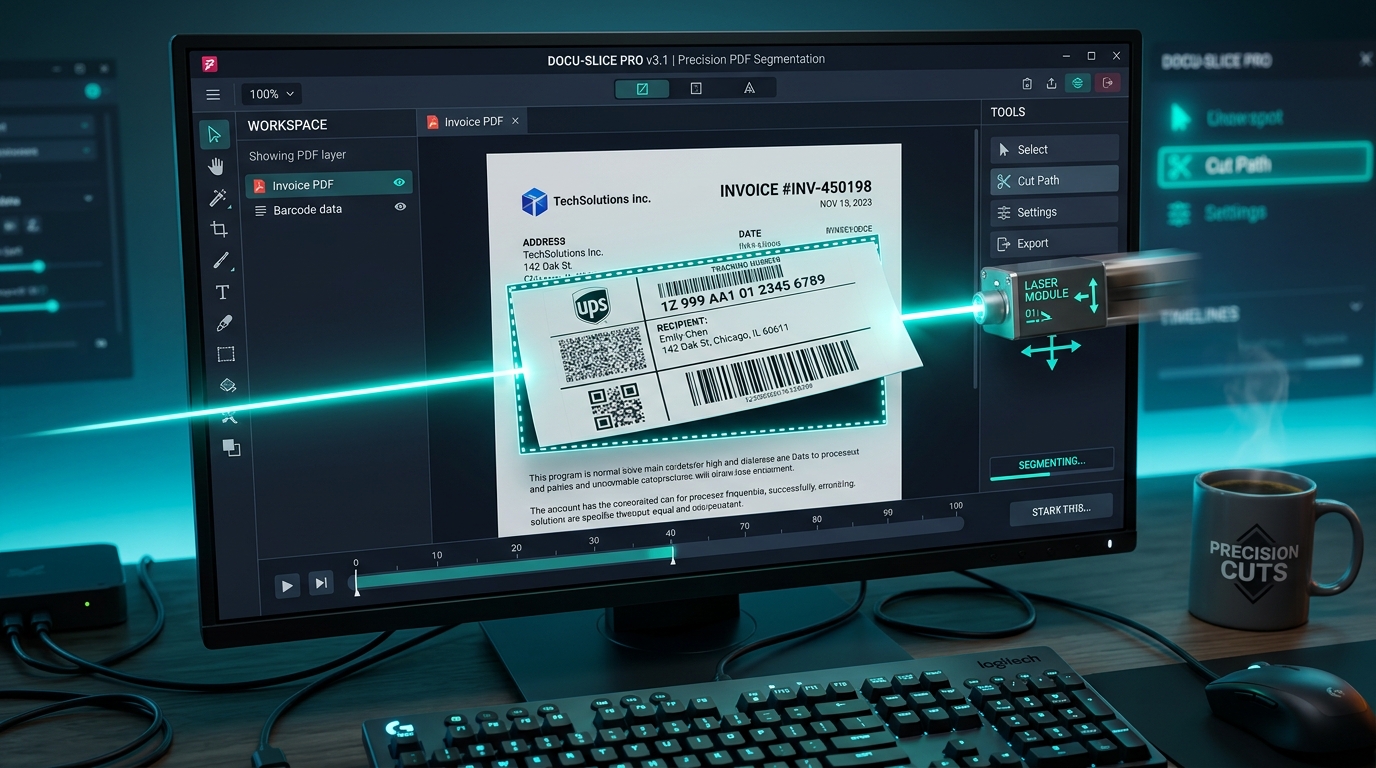
A label crop tool reads your original platform PDF files and automatically identifies the shipping label boundaries. It removes the invoice portion and all blank white space. For Indian eCommerce sellers, dealing with high return rates and tight margins means every rupee saved on packaging and processing counts. When you use a proper cropping tool, you cut down your packing time by at least 40 percent. You no longer have to manually fold A4 sheets and tape them to the polybag. Instead, you can use self-adhesive thermal labels that stick directly to the parcel.
Many sellers start by taking screenshots of the PDF and printing them as images. This reduces the barcode resolution and causes scanning failures at the courier hub. A dedicated tool preserves the vector quality of the original barcode. Your packages get scanned on the first attempt by the pickup executive.
Key features of TheLabelCutter
4x6 thermal compatibility
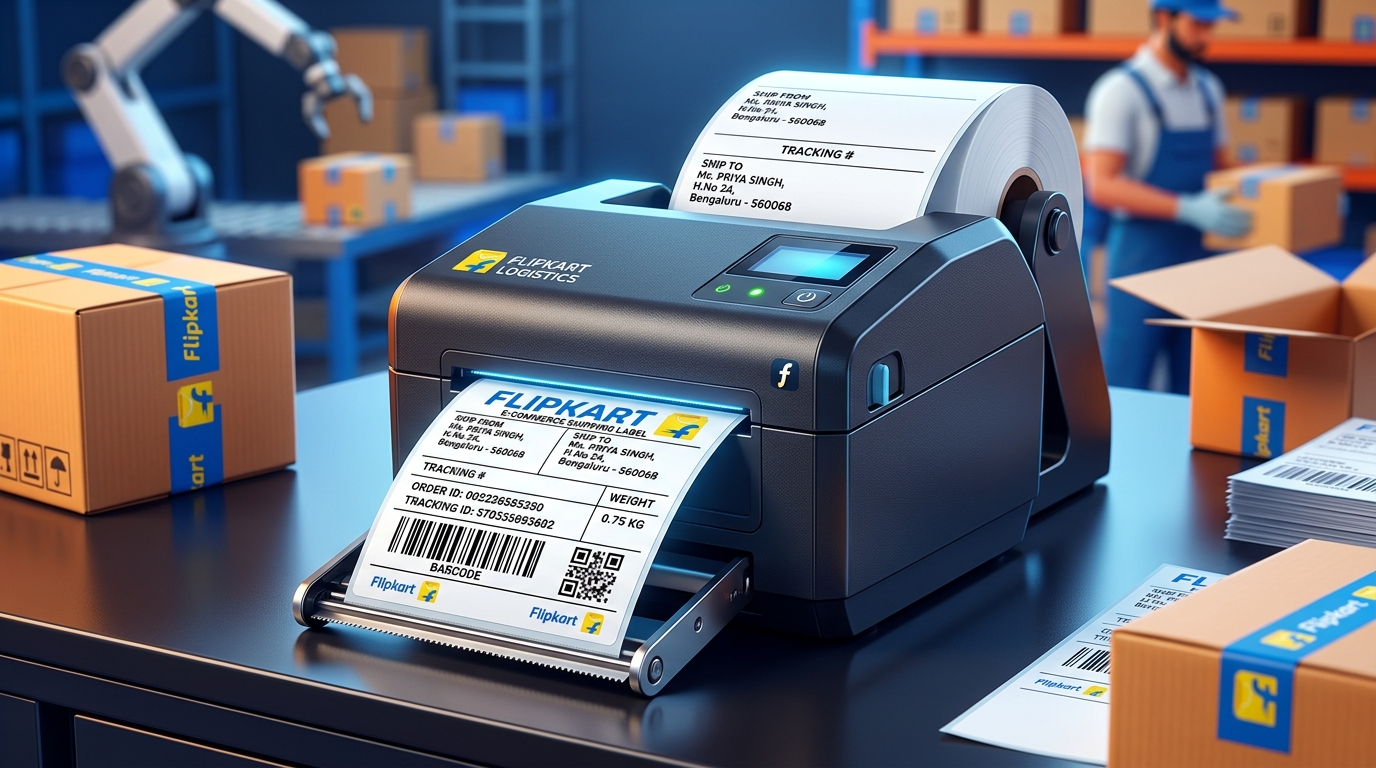
The system formats your cropped labels exactly to 4 inches by 6 inches. This is the industry standard for thermal printers like TVS, TSC, and Xprinter. The margins are set to zero so you do not get any cutoff text on the edges of your physical print.
A4 4-in-1 layout option
If you have not invested in a thermal printer yet, you can use the A4 4-in-1 feature. The tool places four cropped shipping labels onto a single A4 page. You can print this on your standard inkjet or laser printer and cut them out. This saves 75 percent of your paper costs compared to printing one label per page.
Courier sort functionality
When the Meesho pickup executive arrives, they only take packages assigned to their specific courier company. If your Delhivery and Ecom Express packages are mixed together, handing them over takes too much time. TheLabelCutter automatically reads the courier name on each label and groups them together in the final PDF. All your Delhivery labels print first, followed by XpressBees, then Shadowfax.
SKU sort functionality
Picking products from your shelves is faster when you group the same items together. The tool reads the SKU code on the label and groups identical items. If you have 50 orders for a specific blue kurti, those 50 labels will print consecutively. Your packers can process the entire batch at once instead of walking back and forth to the same rack.
How it is different from generic PDF editors or Adobe Acrobat
Generic PDF editors require manual effort for every single page. If you use Adobe Acrobat, you have to use the crop tool, drag a box around the label, apply it, and then figure out how to print it in the correct size. Adobe Acrobat does not know what a Meesho label looks like. It does not know how to separate the invoice from the shipping details.
TheLabelCutter is programmed specifically to recognize the layout of Meesho, Flipkart, and Amazon India shipping labels. It finds the exact coordinates of the label automatically. You just upload the file and click one button. There is no manual box drawing or margin adjustment required.
Browser-based security for your data
Customer data privacy is a serious concern. When you use a Meesho label crop tool free online, you might worry about where your customer names and phone numbers go. TheLabelCutter processes the PDF entirely within your web browser. The files are never uploaded to an external server. The cropping happens using the processing power of your own computer or mobile phone. This means zero risk of data leaks. It also means the tool works extremely fast, even on a slow mobile internet connection.
Comparison with other approaches
| Method | Time for 100 labels | Barcode Quality | Cost |
|---|---|---|---|
| Manual scissors (A4) | 45 minutes | Good | High (Ink + Paper) |
| Taking screenshots | 60 minutes | Very Poor | Low |
| Adobe Acrobat Crop | 30 minutes | Good | High (Software Cost) |
| TheLabelCutter | 1 minute | Perfect Vector | Free |
Step-by-step getting started guide
- Log into your Meesho Supplier Panel and navigate to the Orders section.
- Select your pending orders and click Download Labels. Meesho will give you a single PDF file containing all selected orders.
- Open thelabelcutter.com in your browser.
- Drag and drop your downloaded PDF into the upload box.
- Select your preferred output format (Thermal 4x6 or A4 4-in-1).
- Check the boxes for Courier Sort or SKU Sort if you want to organize the print sequence.
- Click Process PDF. The tool will instantly generate your formatted file.
- Open the new file and print it. Make sure your printer settings are set to Actual Size.
Frequently asked questions
Is this tool completely free to use?
Yes, all the core cropping and sorting features are completely free for sellers. There are no hidden charges or subscription fees required to process standard daily volumes.
Does it work on a mobile phone?
Yes, because it runs in the browser, you can use it on any Android or iOS device. You can download the labels from the Meesho app, process them on the website, and send them to a Bluetooth thermal printer directly from your phone.
Can I process Flipkart and Amazon labels at the same time?
Yes, the system recognizes the different formats automatically. You can upload a mix of Meesho, Flipkart, and Amazon PDFs and it will crop all of them correctly in one batch.
Why is my barcode scanning failing after cropping?
If you use the tool, the barcode quality is preserved. Scanning failures usually happen because your printer heat setting is too low or your print head needs cleaning. Make sure you select Actual Size in your print dialog.
How many pages can I process at once?
You can process files containing hundreds of pages. Because it uses your device memory, the limit depends on your computer or phone RAM. Most modern devices can easily handle 500-page PDFs in a few seconds.