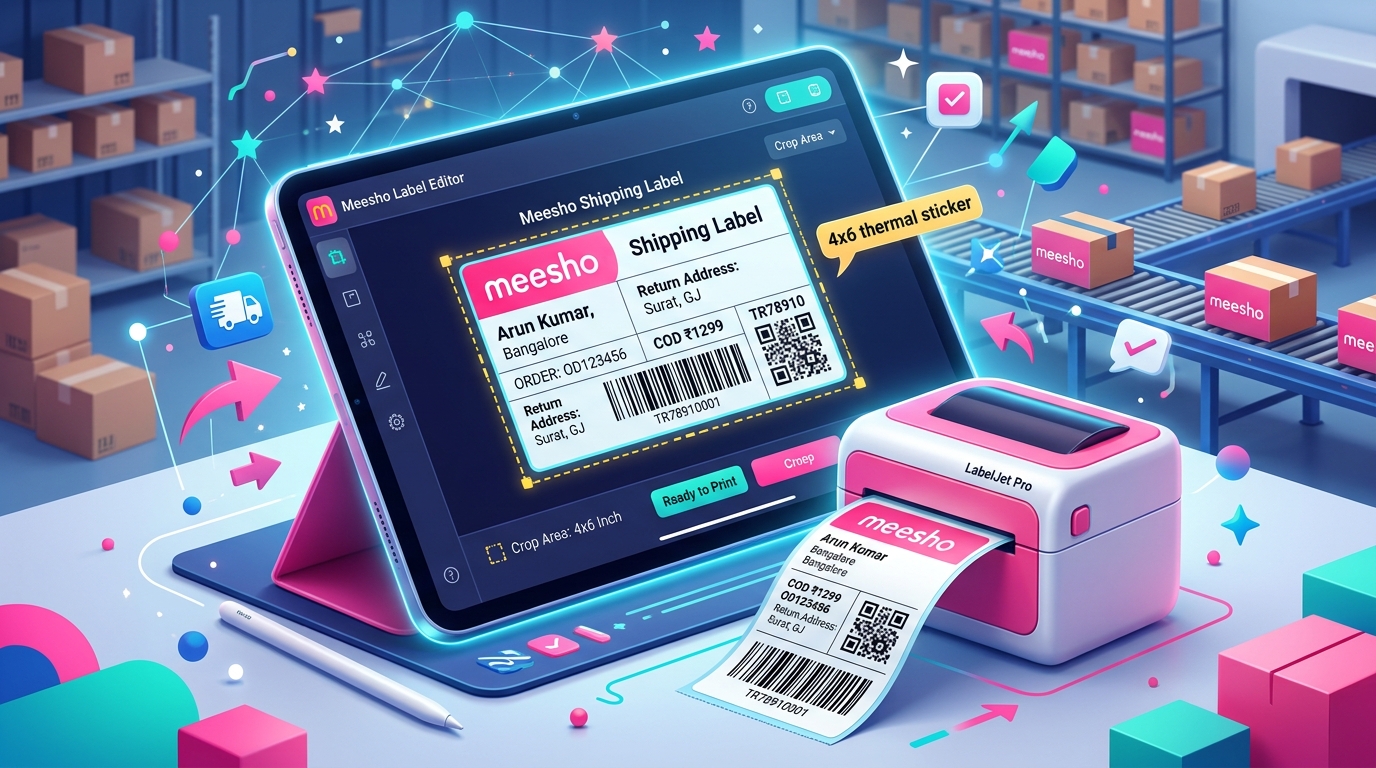
If you are serious about selling on Meesho, Flipkart, or Amazon India, you cannot run your business on a standard ink printer. Printing shipping labels on A4 paper and taping them to packages is a slow, expensive process that destroys your dispatch efficiency. The single best hardware investment you can make for your warehouse is a dedicated 4x6 inch thermal printer. The market is flooded with options, so choosing the right machine is critical to keep your daily operations running smoothly.
Why thermal printers vs inkjet for label printing
Standard inkjet and laser printers use expensive consumables. Every time you print a page, you consume ink cartridges or toner powder. When you print hundreds of shipping labels, your ink replacement costs skyrocket. You also have to buy separate sticker sheets, or use regular paper and waste time wrapping the label in clear packing tape to protect it from rain.
Thermal printers do not use any ink, toner, or ribbons. The print head generates heat, which reacts with a special chemical coating on the thermal label roll to turn the paper black. Your only recurring cost is the label roll itself. Thermal labels have strong adhesive backing, so you just peel and stick. They are also water resistant and smudge proof. A process that takes two minutes with an inkjet printer takes three seconds with a thermal printer. Over a month, this saves you thousands of rupees in tape, ink, and labor costs.
TSC DA220 and DA120: price range, driver setup, pros and cons
The TSC DA series is the workhorse of the Indian eCommerce industry. The TSC DA220 and DA120 are incredibly durable machines built for high volume warehouses. They typically cost between Rs 8,500 and Rs 11,000 depending on the seller and warranty options.
The biggest advantage of TSC printers is their robust build quality and excellent Windows drivers. The setup process is straightforward using the Seagull driver package. You just connect the USB, install the driver, set the stock size to 4x6 inches, and you are ready to print. The DA220 prints fast and can handle thick label rolls without jamming. The only major drawback is the initial purchase price, which might feel steep for a seller who is only getting 10 orders a day. However, they last for years without requiring print head replacements.
Xprinter XP-365B and XP-470B: good budget option for new sellers
If the TSC is out of your budget, Xprinter offers the best entry level alternatives. The XP-365B and the wider XP-470B usually retail between Rs 4,500 and Rs 6,500. These are Chinese manufactured printers that have become extremely popular in Delhi and Surat wholesale markets due to their aggressive pricing.
The XP-365B is a solid starter machine, but it has a narrower print width constraint, making the XP-470B the better choice for standard 4x6 inch Meesho labels. The print quality is more than adequate for courier barcodes. The main drawback is the plastic build quality. The top cover hinge is fragile, and the print head tends to wear out faster if you do not clean it regularly. Driver installation can also be slightly tricky on Mac computers, though it works perfectly fine on Windows 10 and 11.
TVS LP 46 Wifi: Indian brand, easy setup, reliable
TVS Electronics is a trusted Indian brand, and their LP 46 series is highly recommended for sellers who want local warranty support. Priced around Rs 9,000 to Rs 12,000, the LP 46 competes directly with TSC.
What makes the LP 46 special is the availability of WiFi connectivity in specific models. If you have multiple packing stations or want to print directly from a laptop without wrestling with USB cables, the wireless feature is a huge advantage. TVS has service centers across most tier 1 and tier 2 cities in India, meaning if the printer breaks down, you can actually get it repaired locally instead of buying a new one. The print speed is fast, the barcode clarity is sharp, and it handles Indian dust conditions better than cheaper imports.
Zebra ZD220: enterprise grade, higher cost
Zebra is the global gold standard for barcode printing. The ZD220 is an enterprise grade machine designed for warehouses doing thousands of orders a day. It costs anywhere from Rs 14,000 to Rs 18,000.
You pay a premium for the Zebra brand, but you get unmatched reliability. The internal motors and print head are engineered to run continuously for hours without overheating. The barcode sharpness on a Zebra is superior to any budget printer, ensuring 100 percent scan rates by courier agents. If your business is scaling rapidly and you want a machine that will not fail during the peak Diwali sale rush, Zebra is the safest investment. For small sellers, however, the high cost is hard to justify.
Key specs to look for: DPI, paper width, connectivity
When shopping for a thermal printer, you must check three specifications. The first is DPI. Most shipping label printers are 203 DPI. This is the industry standard and perfectly fine for barcodes and text. You do not need to spend extra money on a 300 DPI printer unless you are printing tiny jewelry tags with micro text.
The second specification is maximum print width. Your printer must support at least 104 mm or 4 inches of print width to handle the standard 4x6 inch shipping labels used by Meesho and Amazon. Avoid cheap receipt printers that only support 2 inch or 3 inch rolls. The third spec is connectivity. USB is standard and the most reliable. Bluetooth and WiFi are convenient but can sometimes cause driver lag when printing large batch files. Stick to USB unless you specifically need wireless capability.
How to configure printer driver for 4x6 inch label in Windows
Buying the printer is only half the job. You must configure the Windows driver correctly, or your labels will print sideways or too small. After plugging in the USB and installing the driver CD, open the Windows Control Panel and go to Devices and Printers. Right click your new thermal printer and select Printing Preferences.
Find the Page Setup tab. Click on New or Edit to create a custom paper size. Set the width to 4 inches and the length to 6 inches. Set all margins to zero. Save this as your default profile. Next, go to the Graphics or Print Quality tab. Change the print speed to a medium setting instead of the maximum speed. Slowing down the print speed slightly makes the barcode much darker and easier for couriers to scan. Finally, increase the darkness setting to 10 or 12.
Frequently asked questions
Can I print Meesho and Amazon labels on the same thermal printer?
Yes. A 4x6 thermal printer is universal. You can use it to print labels from Meesho, Amazon, Flipkart, Shopify, or any courier aggregator like Shiprocket. You just need to ensure the platform gives you a 4x6 cropped PDF.
Do I need to buy ink for a thermal printer?
No. Direct thermal printers do not use ink or ribbons. They use heat to activate the chemicals in the label paper. Your only ongoing expense is buying the rolls of blank thermal sticker labels.
Why are white lines appearing through my printed barcodes?
White lines indicate that the thermal print head is dirty or scratched. Turn off the printer, wait for it to cool down, and gently wipe the ceramic print head strip with a cotton swab dipped in rubbing alcohol. If the lines remain, the print head is permanently damaged and must be replaced.
Can I print directly from my smartphone via Bluetooth?
Some models like the Xprinter offer Bluetooth versions that connect to smartphones. However, printing PDF batch files from a phone app is often glitchy and slow. For daily business operations, printing via a USB cable from a laptop or desktop computer is much more reliable.
How long does the print last on a thermal label?
Direct thermal prints are sensitive to heat and prolonged direct sunlight. The black text will start to fade after about 6 to 8 months. However, since eCommerce packages are delivered within a week, this is never an issue for shipping labels.